
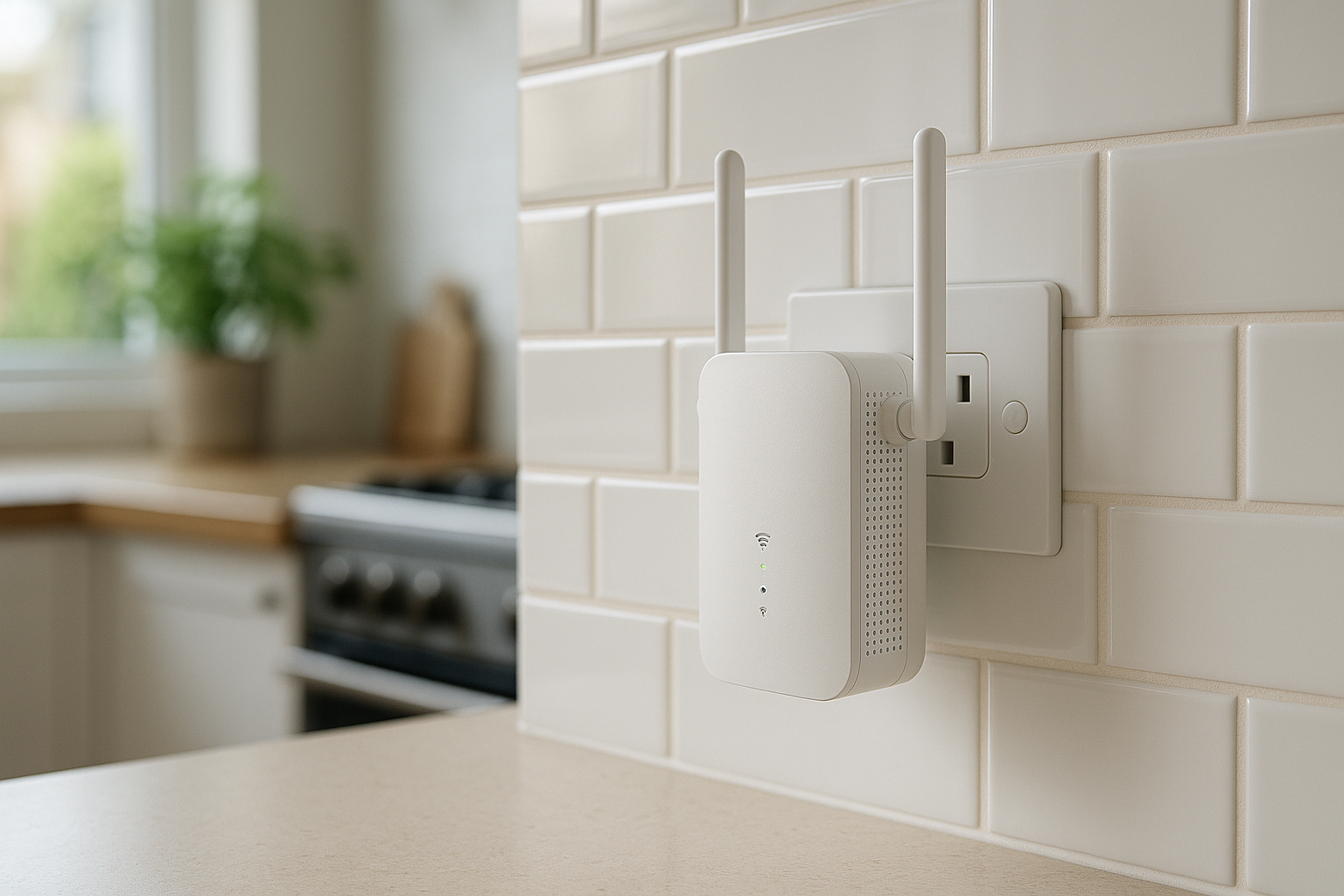
As remote working and streaming continue to dominate our daily lives, ensuring a stable internet connection is more crucial than ever. Choosing the right WiFi extender can significantly enhance your home network, allowing you to enjoy seamless connectivity in every corner of your space. To help guide your decision, we’ve laid out key features to compare before making a purchase, so you can navigate our extensive list of best picks for WiFi extenders on Discountable.
Understanding Your Internet Needs
Before diving into the features of various extenders, it's vital to assess what you need. Consider the size of your home and the number of devices connected to your network. If you live in a large house or have multiple users streaming and gaming simultaneously, you will likely require a robust extender with higher throughput and better coverage.
RE330 AC1200 WiFi Extender Booster WiFi Booster
This kit provides a solid solution for boosting your WiFi signal and is well-rated for reliability.

Why it stands out
- Easy setup with included instructions
- Reliable performance with good speed
- Ideal for multiple devices
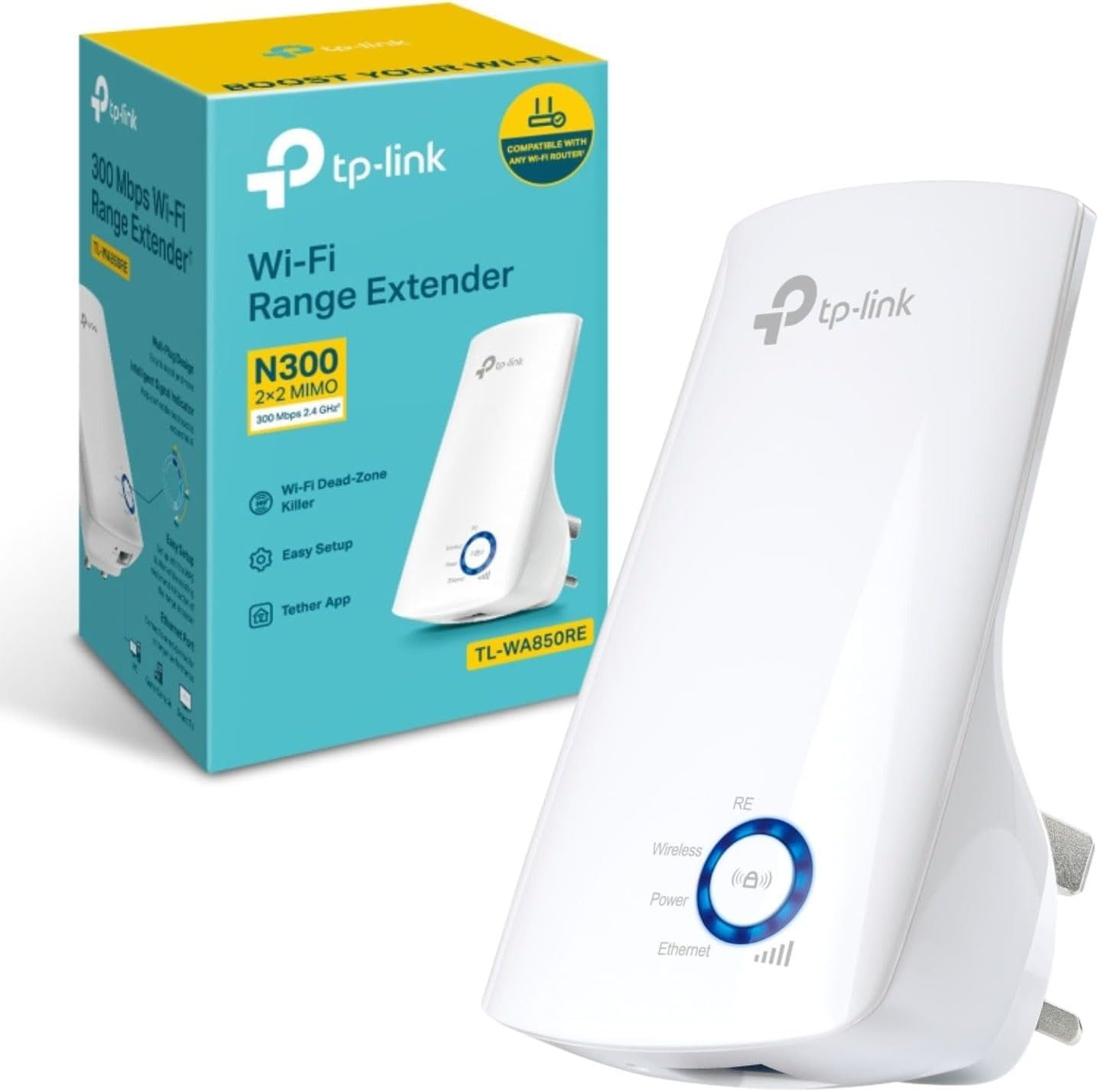
WiFi Booster, 300 Mbps WiFi Range Extender Repeater (TL-WA850RE)
This extender is well-reviewed for its ease of use and effective performance.
Why it stands out
- Dual-band support for better connectivity
- User-friendly installation process
- Compact design
RE550 AC1900 WiFi Extender Booster WiFi Booster (RE550 EU-2)
This model offers great value for money while providing decent coverage.

Why it stands out
- Affordable option with solid performance
- Compatible with a wide range of devices
- Easy to install
RE225BE BE3600 WiFi 7 WiFi Extender Booster WiFi Booster
A cost-effective solution for boosting WiFi in smaller areas.

Why it stands out
- Very affordable
- Compact and discreet design
- Good for small spaces
Speed Ratings: What They Mean for You
WiFi extenders come with different speed ratings, usually denoted in Mbps (Megabits per second). These ratings indicate how fast data can be transmitted over your network. Look for extenders with speed ratings that can handle your current internet plan without bottlenecks. For instance, if you have a fibre connection of 300Mbps, opting for an extender rated below that may lead to slower speeds. Our current best picks include models like the TP-Link RE550 AC1900, which offer considerable speed boosts.
Coverage Area: Ensuring Every Corner is Connected
Coverage is a critical aspect to consider. Different models are designed to cover varying square footage. Assess your home layout and identify where the WiFi signal drops. High-performance extenders, such as the TP-Link RE700X AX3000, are ideal for larger homes, providing extensive coverage. In contrast, smaller models like the TP-Link TL-WA850RE N300 may suffice for flats or smaller spaces.
Dual-Band vs. Tri-Band: Which is Right for You?
WiFi extenders typically come in dual-band or tri-band configurations. Dual-band extenders operate on 2.4GHz and 5GHz frequencies, offering flexibility and reduced interference. For households with many connected devices, a tri-band extender can help distribute the load more effectively, ensuring smoother performance during peak usage times. The TP-Link RE505X AX1500 is an excellent choice for users seeking dual-band efficiency.
Ease of Setup and Management
Another essential factor is how easy it is to set up and manage your extender. Many modern extenders feature user-friendly mobile apps that allow you to configure settings, monitor performance, and even manage connected devices. Consider models with straightforward setup processes, particularly if you're not tech-savvy. The TP-Link RE330 AC1200 is known for its easy installation, making it a great option for first-time buyers.
Smart Features: Enhancing Your WiFi Experience
Smart features can significantly enhance your WiFi experience. Some extenders offer network management tools, parental controls, or built-in security features. These can be particularly useful for families wanting to limit screen time or ensure safe browsing for children. When reviewing options, look for models that align with your specific needs and lifestyle.
Final Verdict: Find the Right Fit for Your Home
In conclusion, choosing the right WiFi extender involves understanding your needs in terms of speed, coverage, ease of use, and additional features. With a variety of options available, including those currently featured on our best picks page, you can find the perfect match for your home. Don't forget to consider how your daily internet activities influence your choice. A well-chosen extender will provide the seamless connectivity you need, whether for work or leisure.
Frequently asked questions
What is the difference between a WiFi extender and a WiFi repeater?
A WiFi extender enhances the range of your existing network by creating a new network connection, while a WiFi repeater captures your existing signal and rebroadcasts it. Extenders generally provide better coverage and speeds.
Can I use multiple WiFi extenders in my home?
Yes, you can use multiple WiFi extenders to increase coverage, but ensure they work efficiently together. It’s best to use extenders from the same brand to avoid compatibility issues.
Do I need to reset my WiFi extender often?
Most extenders do not need frequent resets. However, if you experience connectivity issues, a quick reset can help. Ensure your firmware is updated to reduce the need for resets.
How far can a WiFi extender transmit a signal?
WiFi extenders can generally transmit signals up to 300 ft indoors, but this can vary based on obstacles like walls and floors. Check the specifications for optimal performance in your space.
Are WiFi extenders worth the investment?
If you struggle with dead zones or slow connections in your home, a WiFi extender can significantly improve your internet experience, making it a worthwhile investment.