
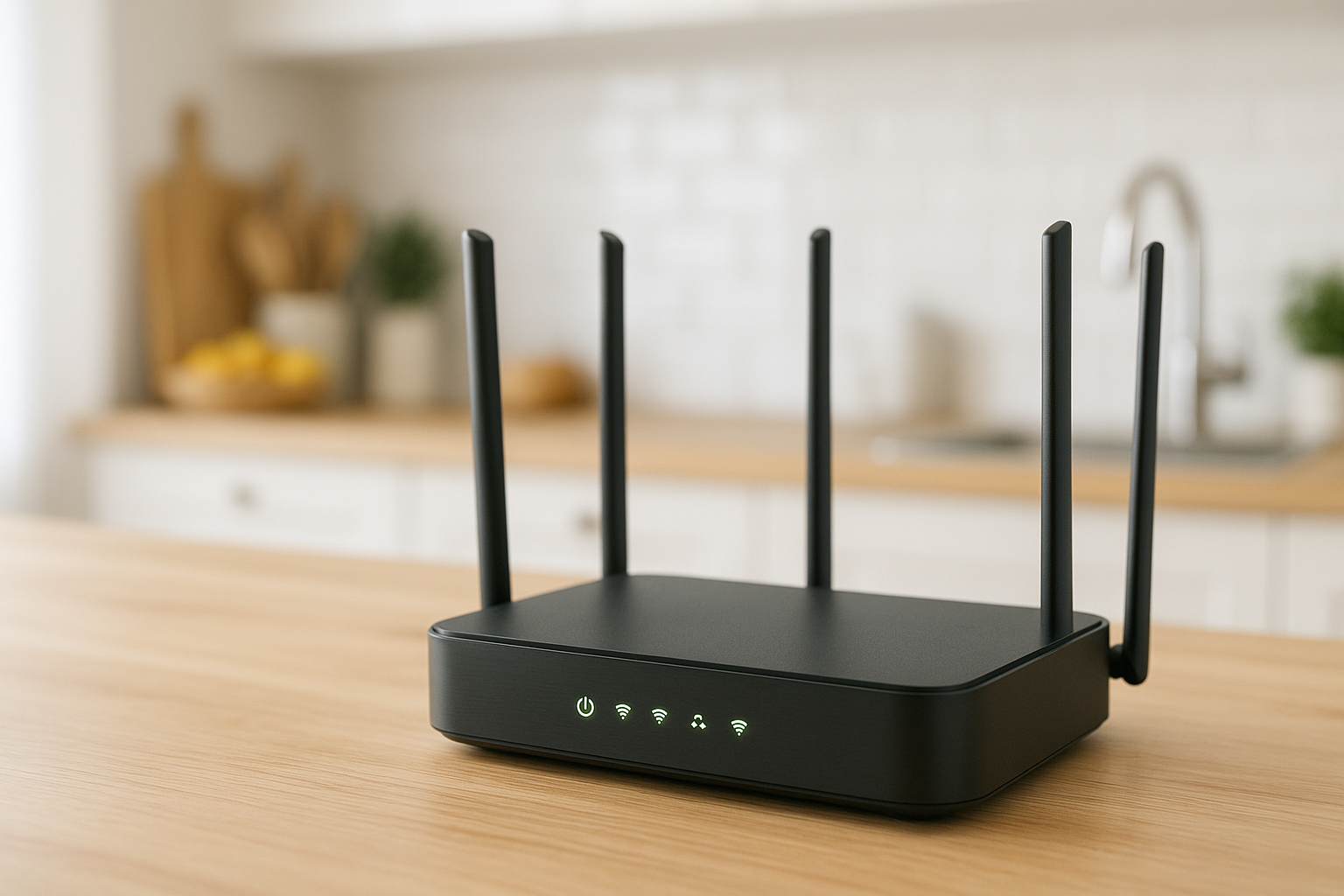
When it comes to choosing a router, most of us are bombarded with an array of technical jargon and marketing buzzwords. However, the reality is that selecting the right router for your needs involves more than just brand names or flashy specifications. By focusing on a few key features and comparing models, you’ll be much better equipped to make a sound decision. Our best picks page offers a curated selection to help guide your choices.
Different households and businesses have varying internet needs, so understanding what to compare can significantly influence your satisfaction with your new router. From speed capabilities to range and connectivity options, let’s break down the essential features you should consider before making a commitment.
TL-WR841N 300 Mbps Wireless N Speed WiFi Router, Compatible with IPv6
This router is perfect for those seeking a simple, effective solution for home internet access.

TL-MR105 4G Router with SIM Slot, N300 Portable WiFi
Ideal for users who need internet access on the go, offering flexibility with 4G connectivity.

Archer C6 Router WiFi AC1200Mbps, WiFi Router
This model provides excellent speed and coverage, making it suitable for busy households.

Archer AX18 WiFi 6 Router - AX1500 Mbps, Gigabit Ethernet
Offers cutting-edge technology for those who demand the best performance from their network.

Speed Ratings: Mbps and Beyond
Speed is one of the most critical factors when choosing a router. The speed is usually measured in megabits per second (Mbps). While higher Mbps numbers sound appealing, it’s essential to match your router’s speed with your internet plan and usage requirements. For instance, if you stream in 4K or play competitive online games, investing in a router like the TP-Link Archer AX18 WiFi 6 Router is advisable due to its AX1500 Mbps capability, which is optimised for high-speed tasks.
Wi-Fi Standards: Wi-Fi 5 vs. Wi-Fi 6 vs. Wi-Fi 7
Wi-Fi standards evolve quickly, so it’s crucial to understand the implications of your choice. Wi-Fi 5 (802.11ac) is adequate for basic use, while Wi-Fi 6 (802.11ax) offers improved performance in congested areas and better energy efficiency for connected devices. Wi-Fi 7 is the latest standard, with products like the TP-Link Archer BE400 and TP-Link Archer BE3600 leading the charge. If your devices support these newer standards, it may be worth considering for future-proofing your setup.
Range and Coverage: Size Matters
The physical space you need to cover plays a significant role in the type of router you should select. If you’re in a larger home or office, models like the TP-Link Archer BE220 with its four external antennas will likely provide better coverage compared to a basic model. Consider your layout and potential obstacles like walls or floors that may hinder signal strength.
Connection Options: Wired vs. Wireless
While Wi-Fi connectivity is the norm, having the option for wired connections is beneficial for certain devices that require stable, high-speed internet. Look for routers that offer multiple Ethernet ports, like those found on the TP-Link Archer AX53, which features fast full gigabit ports, making it ideal for connecting gaming consoles or PCs directly to the router.
Portability and Additional Features
If you travel frequently or work from different locations, a portable router like the TP-Link TL-MR105 with a SIM slot might be a suitable choice. Furthermore, features such as built-in VPN support or advanced parental controls can add extra value to your purchase, depending on your needs. For instance, the GL.iNet GL-SFT1200 Opal is an excellent dual-band travel router that offers OpenWrt VPN capabilities.
Final Verdict
Choosing the right router requires careful consideration of your specific needs and how you plan to use the internet in your home or business. By focusing on speed, Wi-Fi standards, coverage, connection options, and additional features, you can make an informed choice. For a selection of top routers that fit various needs, check out our best picks page.
Frequently asked questions
What should I look for when upgrading my router?
Consider your internet usage, the number of devices that will connect, and whether you need features like Wi-Fi 6 for improved performance or additional security options.
Is it worth investing in Wi-Fi 6?
If you have multiple devices or stream high-definition content frequently, Wi-Fi 6 offers better performance and efficiency, making it a worthwhile investment for the long term.
How far can a typical router reach?
Most routers provide adequate coverage for a typical home, but factors like walls, floors, and interference can affect range. Investing in a router with strong antennas can help extend coverage.
Can I use a router with my existing modem?
Yes, most routers can be used with existing modems. Just ensure that the router is compatible with your internet service provider.
What is the difference between dual-band and single-band routers?
Dual-band routers operate on both 2.4GHz and 5GHz frequencies, providing better performance and less interference compared to single-band routers, which only operate on 2.4GHz.